

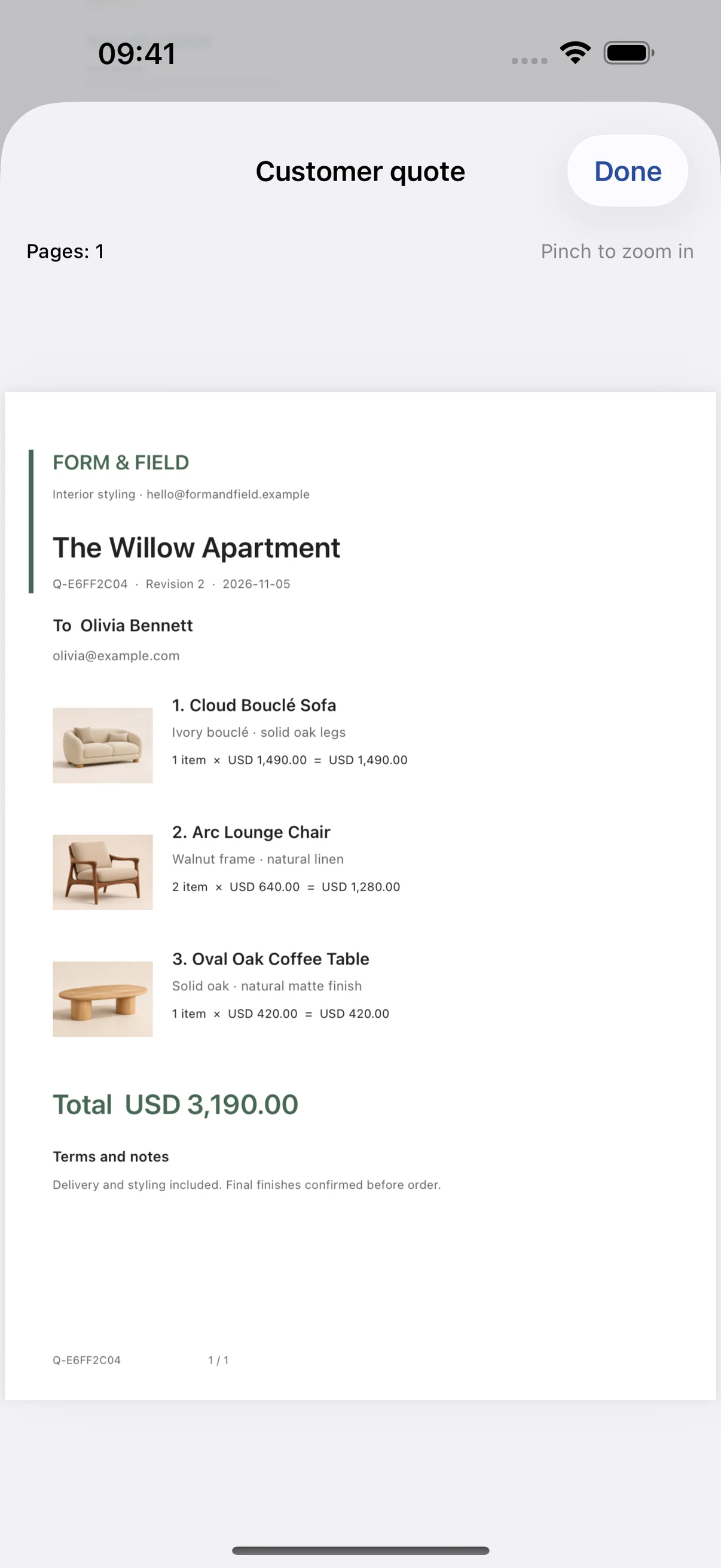
A clear quote, from first draft to follow-up
Create quotes with product images, quantities, prices and your business details. Preview the customer document and share actual JPEG images or a PDF. Internal costs, private notes and target margins stay out of customer exports.
Reuse products and preserve revisions
Keep commonly used products in your catalog. Copy an existing quote for another customer or generate a new revision. Previous formal files remain unchanged. Sharing does not automatically mark a quote as sent. Record its status explicitly and associate the outcome with the correct revision.
Five free quotes and a one-time unlock
The release plan includes five independent quotes with no time limit. An allowance is used only when an independent quote first generates successfully. Drafts, previews, failed generations, revisions and repeated exports do not use another allowance. Deleting a quote does not return an allowance. After the allowance is used, generating another independent quote requires a one-time purchase. Existing quotes remain available for revision, sharing, backup and follow-up. The App Store shows the actual purchase price. This is a non-consumable purchase without recurring renewal. Internal test builds may use different limits.
Local work and optional iCloud
Quotes, customers, catalog items and exports are stored in the app. When the installed version offers iCloud sync, you can choose to merge your library into the current Apple Account’s private CloudKit database. Network access, account availability and iCloud storage affect synchronization. Enable local contact reminders separately on each device. Export a complete backup before important changes.
The app interface supports English, Simplified Chinese, German and Spanish. Saved customer content is not translated when the interface changes. App Store availability will be announced when the app is released.