
Turn site records into a clear handover
Made for independent contractors and people working on site. Use photos to show a finding, notes to explain the work, and a PDF to give your customer a record they can keep.
Organize by job and issue
Create a job with the customer details and address you need. Add issues with findings, work performed, and follow-up notes. An explicit status separates completed work from items that need another visit.
Capture, mark up, and explain
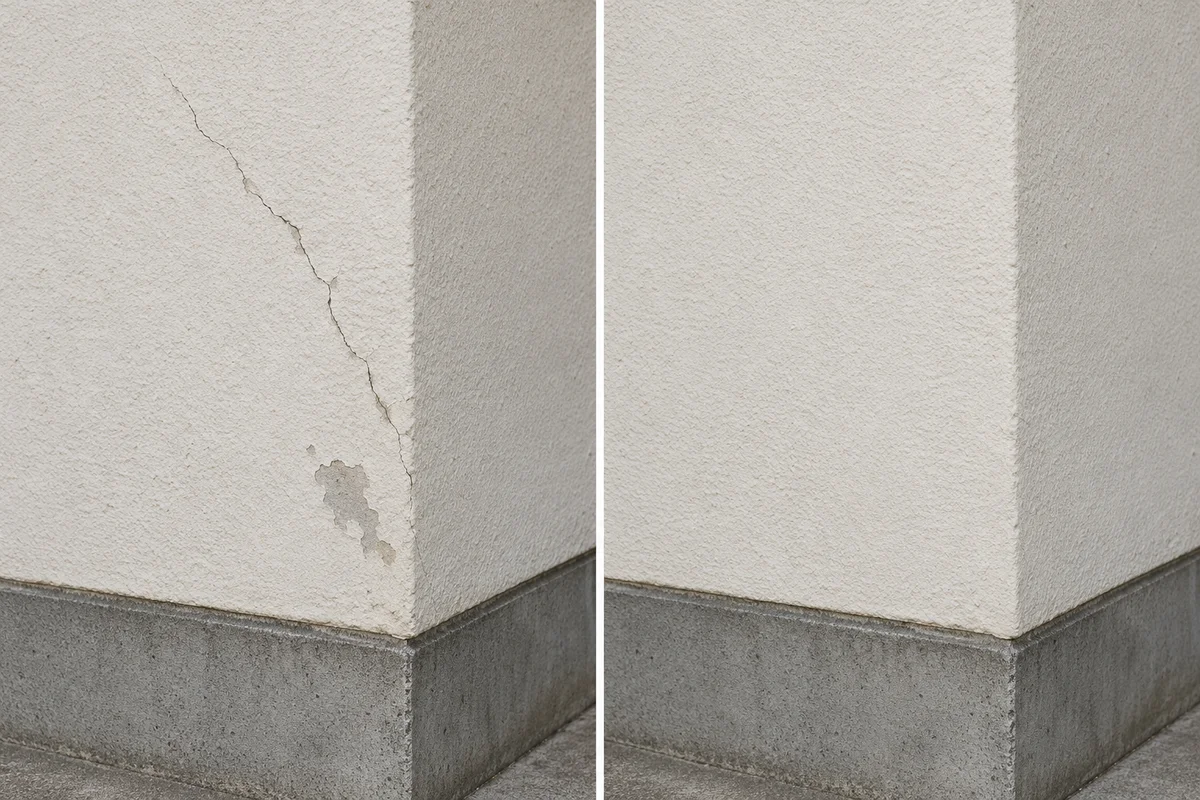
Add Before and After photos, with a photo count for each stage. Draw by hand with a choice of color and stroke width, add text in small, medium, or large sizes, or use blur and solid redaction. Start voice input when useful, then review and apply the transcript. The app does not keep recording files; recoverable text drafts stay locally.
Arrange and share
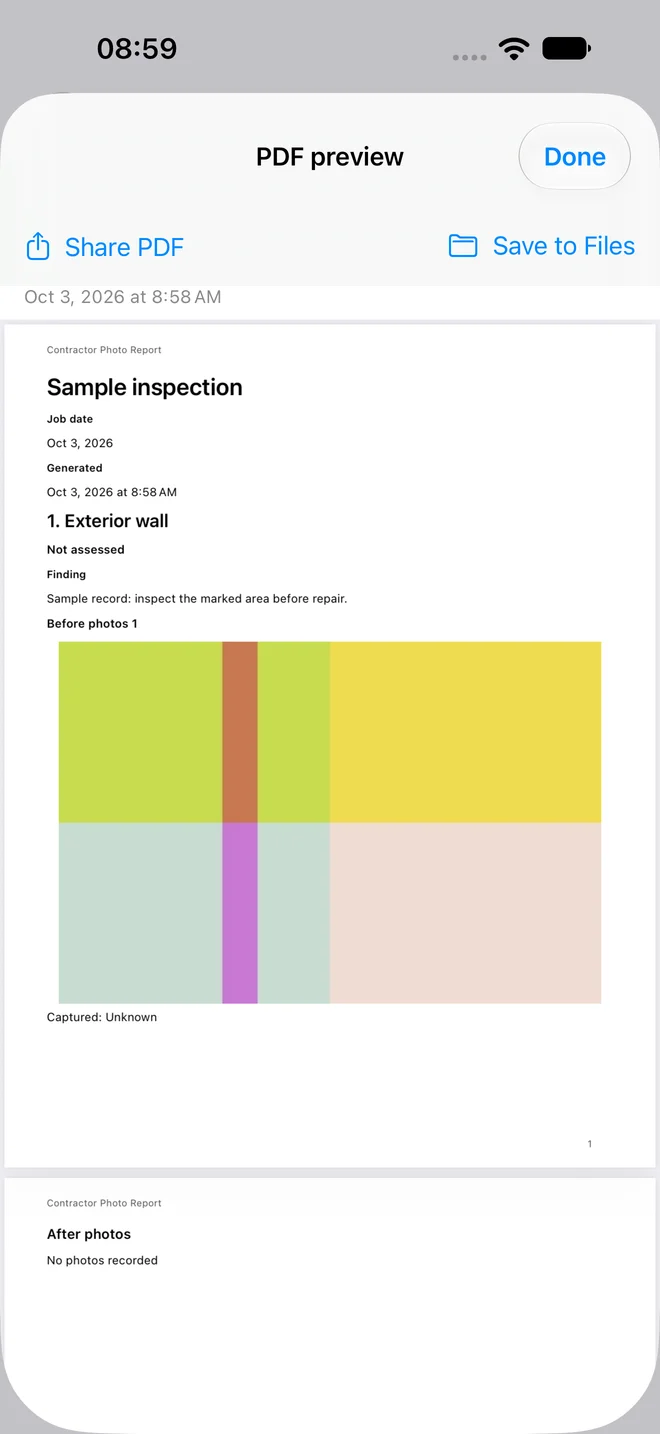
Choose A4 or Letter, adjust columns, text size, and photo layouts, then generate your PDF. Decide whether to show photo times and GPS. Use the system share sheet or Save to Files after reviewing the report.
Choose your app and report languages
Use English, Spanish, German, French, Simplified Chinese, or Traditional Chinese. In Settings, choose App Language or follow your system language. Set PDF Report Language independently, so you can work in one language and prepare a report in another. Your notes keep their original wording; changing languages does not translate customer content or change saved PDFs.
Subscriptions and existing records
Create 3 free work projects each calendar month on your device, without an account or subscription. Each free project includes photos, markup, editing, layout and PDF export with no watermark. Editing or exporting the same project does not use another slot, and free projects stay editable in later months. Slots are counted when a project is successfully created; unused slots do not roll over, and deleting projects or clearing work does not return them.
Pro offers monthly and annual auto-renewable subscriptions for unlimited new projects. Projects created with Pro require an active subscription or active App Store trial for further editing and new PDF generation. Free projects keep their free access. Apple subscription trials are separate from the monthly free allowance: an eligible trial starts only after you confirm with Apple and renews into a paid subscription unless cancelled. Current prices, trial eligibility and duration are shown before purchase.
After Pro expires, its projects remain available to read, delete and export as saved photos or existing PDFs. Free projects remain editable, including generating new PDFs, and you can still create projects within your monthly free allowance. Restore Purchases restores Apple subscription access, not deleted local work.
Local records, deliberate sharing
No app account is required. Jobs, photos, and PDFs are stored locally; the app does not sync them between devices through iCloud. Device backups may include app data depending on your system settings. Backups are separate from live synchronization. Original photos may retain location metadata; the report’s GPS switch does not remove it from originals. Marked-up photo exports flatten edits and remove source metadata. Always inspect redactions before sharing.